Yellow Background Back to School Lamp
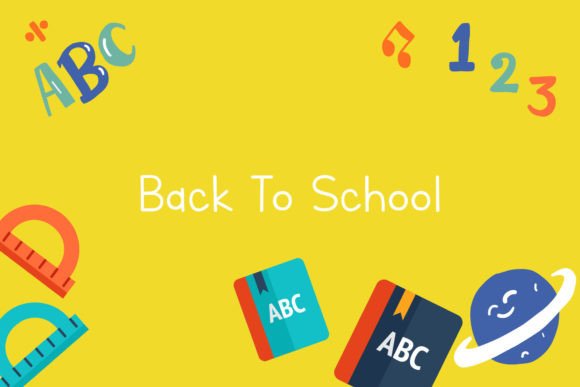
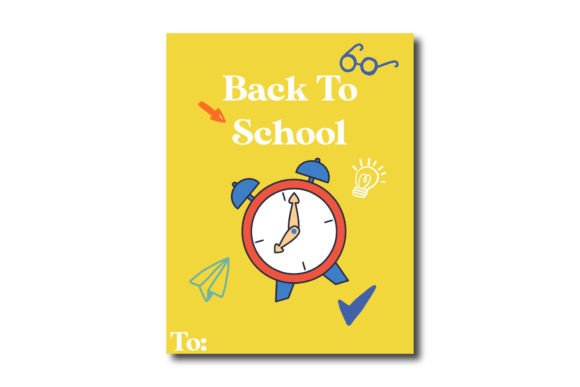
The Yellow Background Back to School Lamp is a ready-to-use digital design asset intended for educators, school administrators, marketing professionals, and small business owners creating back-to-school promotional materials. It features a clean, cheerful composition centered on a lamp motif against a solid yellow background—symbolizing energy, focus, and new beginnings—commonly associated with academic transitions.
This product delivers six high-resolution, production-ready file formats: one Adobe Illustrator (AI) file, one EPS file, one SVG file, one DXF file, one JPG file, and one PNG file—all sized to a 1920px × 1280px canvas. The consistent dimensions simplify integration into presentations, social media graphics, printed flyers, classroom signage, or web banners without scaling distortion.
Why Consider the Yellow Background Back to School Lamp?
Designers and content creators often need thematic, on-brand visuals that communicate “back to school” quickly and effectively. A lamp is a widely recognized symbol of learning, insight, and intellectual growth—making it a versatile visual anchor across grade levels and institutional contexts. The yellow background reinforces positivity and visibility while offering strong contrast for text overlays or layered elements.
Users typically seek this type of asset when building seasonal campaigns, preparing welcome materials for students and families, designing classroom decor, or supporting school supply promotions. Its simplicity supports adaptability: the lamp can function as a standalone icon, a watermark, or a focal point within a larger layout.
Practical Benefits and Real-World Use Cases
One key benefit is format versatility. The inclusion of AI and EPS files ensures full scalability and editable vector paths—ideal for users who need to adjust colors, isolate components, or reposition elements in professional design workflows. SVG support enables responsive use in web projects, while DXF compatibility allows for laser cutting or CNC applications (e.g., custom acrylic desk signs or bulletin board cutouts). JPG and PNG files provide immediate usability for non-designers needing plug-and-play assets in PowerPoint, Canva, or email newsletters.
The uniform 1920px × 1280px canvas size aligns with common widescreen presentation ratios and many digital ad specifications. This consistency reduces time spent resizing or troubleshooting aspect-ratio mismatches. Additionally, the yellow background eliminates the need for manual background removal—especially helpful when working with JPG or PNG files where transparency isn’t required.
Tradeoffs and Important Considerations
While the design is intentionally minimal and broadly applicable, its simplicity also means limited stylistic variation. Users seeking highly detailed illustrations, photorealistic renderings, or multiple scene variations (e.g., lamps with books, globes, or diverse student silhouettes) may find this version too restrained. Likewise, the fixed yellow background limits flexibility for brands using strict color palettes—if your institution’s primary brand color is navy or forest green, the yellow may require additional editing or layering to harmonize.
Although the AI and EPS files are fully editable, effective modification assumes familiarity with vector editing tools. Beginners using only basic software (e.g., Microsoft Word or Google Slides) will likely rely on the JPG or PNG versions, which offer no internal layer control or path editing. In those cases, customization options are constrained to cropping, resizing, or adding external text—not altering the lamp shape, stroke weight, or background hue.
Also note that this is a single static composition—not an animated or interactive asset. It does not include alternate versions (e.g., dark mode variants, seasonal overlays, or multilingual text). Users needing such adaptations must implement them independently.
When This Design Fits Well
The Yellow Background Back to School Lamp is especially suitable for time-constrained users launching short-cycle campaigns—such as summer-to-fall transition emails, open-house signage, or staff orientation decks—where clarity and speed outweigh ornate detail. It works well for public schools, tutoring centers, homeschool co-ops, and education nonprofits aiming for warm, accessible visuals without licensing complexity.
It also fits scenarios requiring cross-platform reuse: a single source file can feed print (via EPS), web (via SVG), and social media (via PNG), reducing version-control overhead. Educators building digital resource libraries—or designers maintaining template kits for recurring annual campaigns—benefit from having a consistent, scalable lamp graphic they can revisit year after year.
When Alternatives May Be More Appropriate
If your project demands photorealism, contextual storytelling (e.g., a lamp beside a stack of notebooks and a laptop), or inclusive representation (e.g., diverse hands turning on the lamp), a custom illustration or curated stock image may better serve your goals. Similarly, if you need animated versions (e.g., GIFs or Lottie files) for websites or apps, this static set won’t meet that requirement.
For organizations with established brand guidelines—including precise typography, iconography systems, or accessibility requirements around color contrast—the fixed yellow background may conflict with WCAG 2.1 standards depending on foreground text color choices. In such cases, sourcing a customizable vector without a preset background—or commissioning a tailored variant—offers more control.
Finally, if your workflow relies heavily on cloud-based tools like Canva or Figma and you don’t own or regularly use Adobe Creative Cloud or vector-capable software, the AI and EPS files offer little added value. A high-resolution PNG with transparent background might deliver comparable utility with less friction.
Making an Informed Decision
To determine whether the Yellow Background Back to School Lamp aligns with your needs, ask yourself three questions:
- What’s my primary use case? If it’s quick-turnaround digital or print collateral where a bold, symbolic image adds warmth and relevance, this design provides efficient value.
- What tools do I use regularly? If you work in Illustrator, Affinity Designer, or similar vector environments, the AI and EPS files unlock meaningful customization. If not, prioritize whether the JPG or PNG meets your baseline needs.
- How much flexibility do I need? Consider whether you’ll need to recolor, resize dramatically, extract parts, or integrate with other vector assets. If yes, the included vector formats justify the selection. If not, simpler alternatives may suffice.
Ultimately, this asset functions best as a foundational visual element—not a complete solution. Its strength lies in reliability, interoperability, and symbolic resonance—not novelty or narrative depth. When matched to appropriate contexts and realistic expectations, it serves as a practical, reusable component in broader communication strategies around academic renewal and preparation.